A free
Velvia 50 look LUT
for your video edits.
A Fuji Velvia 50 style look in Rec.2100 HLG and Rec.709. Free, and it works with any camera.
We shoot a lot of video next to the web work, and I made a Fuji Velvia 50 style look for my own edits. It's free, it comes in Rec.2100 HLG and Rec.709, and it works with any camera.
What It Does
Strong contrast with crushed blacks, heavy saturation, punchy reds, lush greens and deep blue skies, plus a little magenta in the hazy midtones like the slide film scans. Orange is held back so skin stays natural, and highlights roll off clean.
Before And After
Same frame, before and after. First a circular daylily garden shot from above: the conversion only, then with the Velvia look.
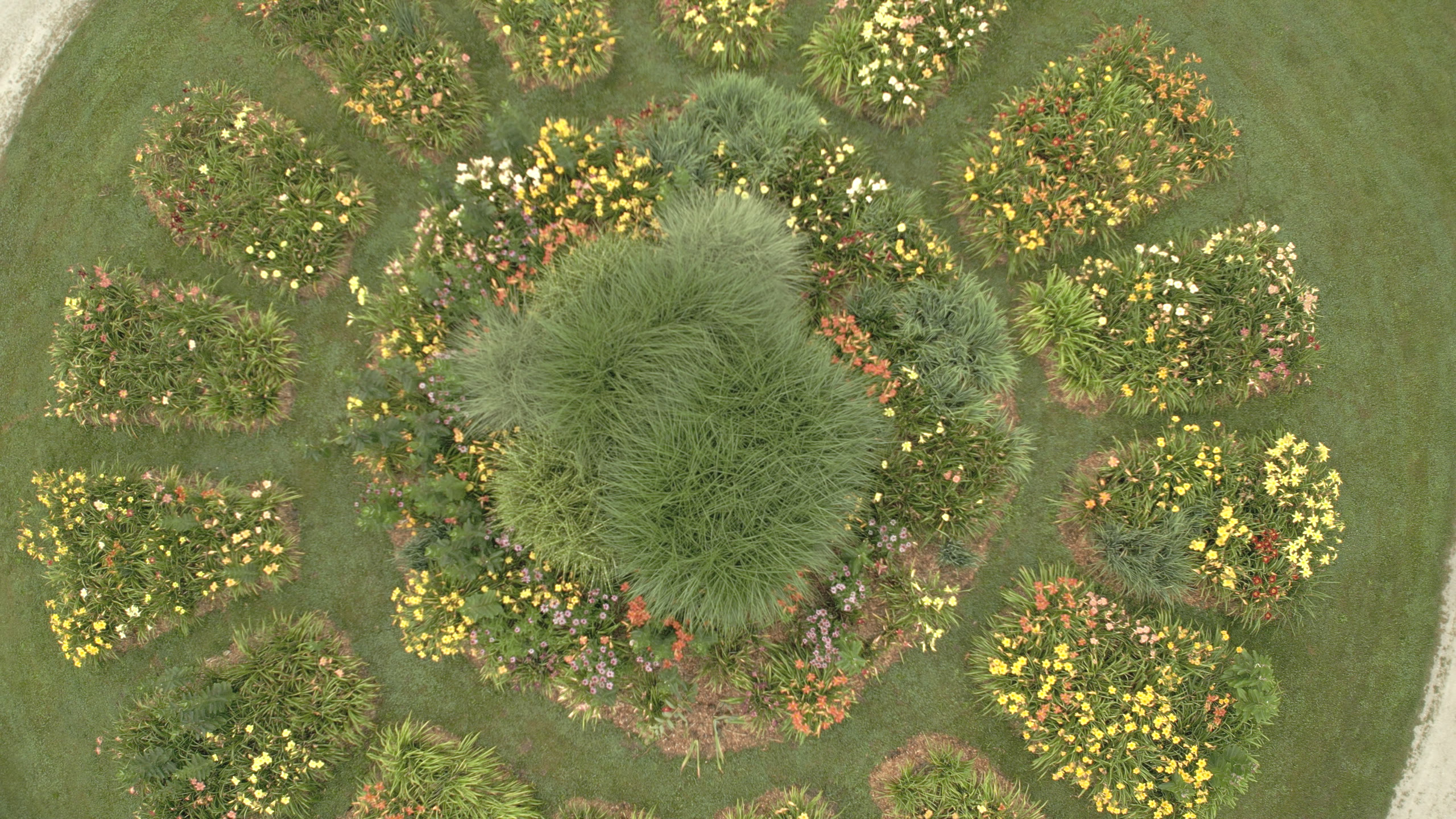
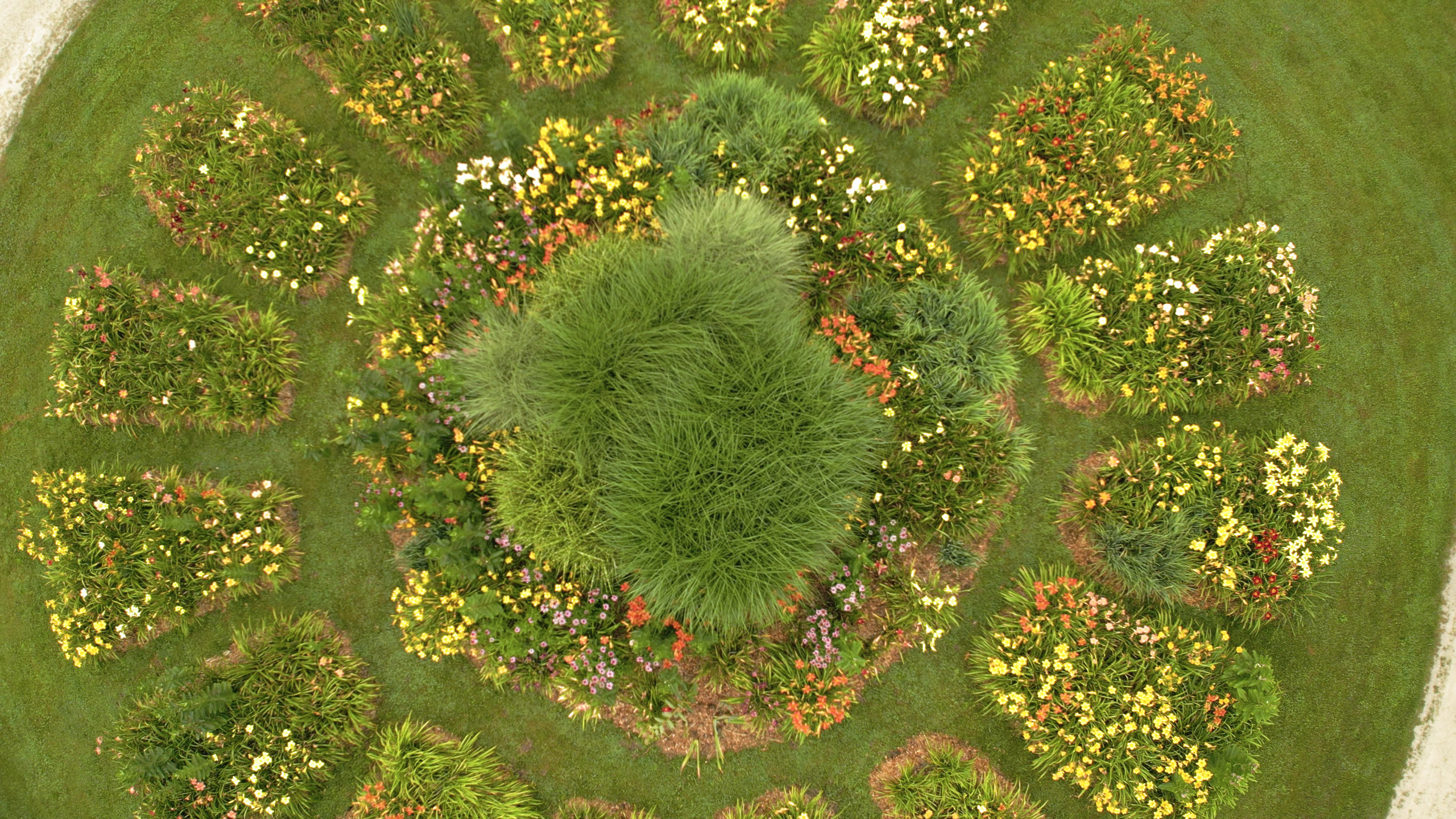
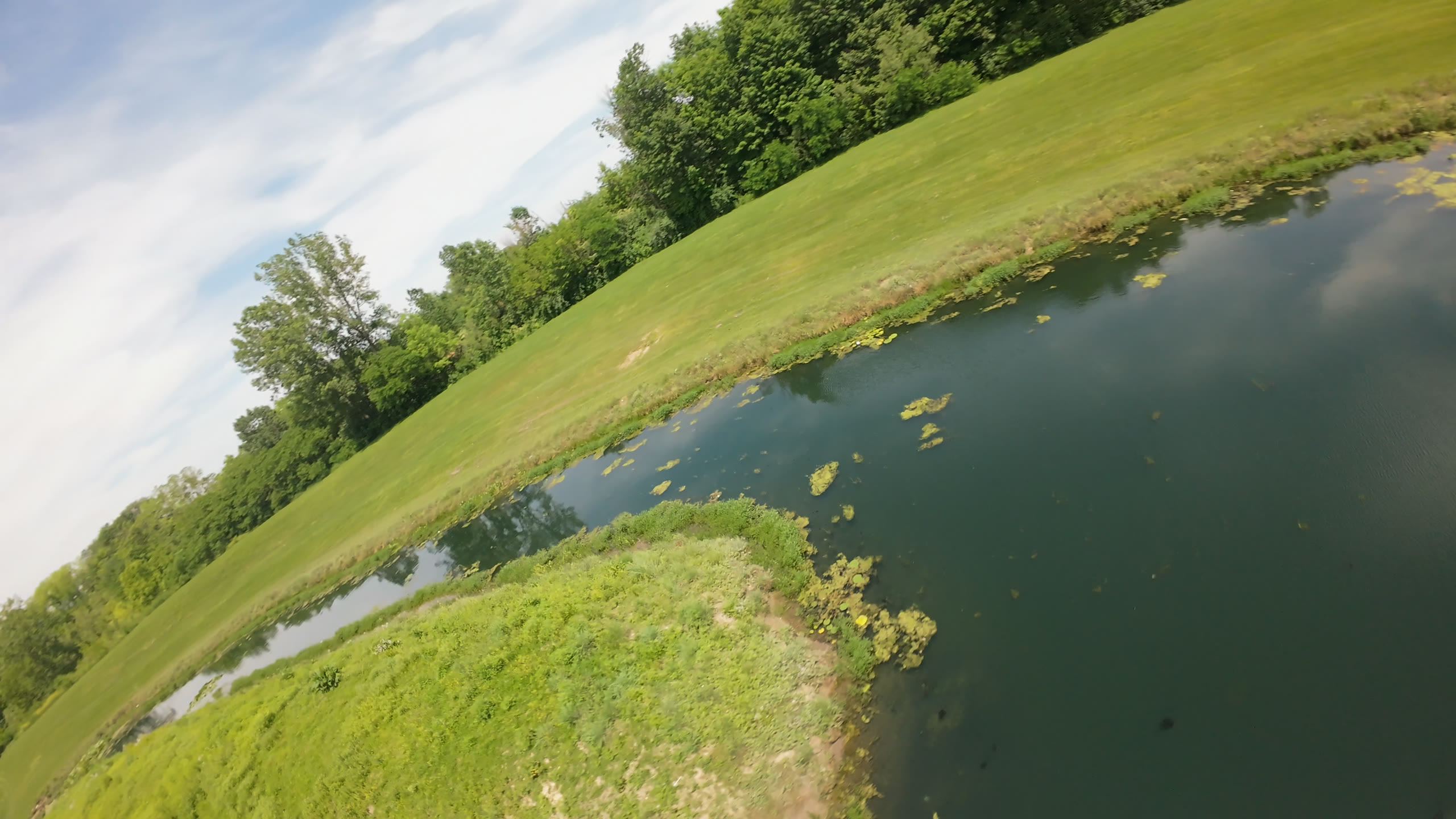
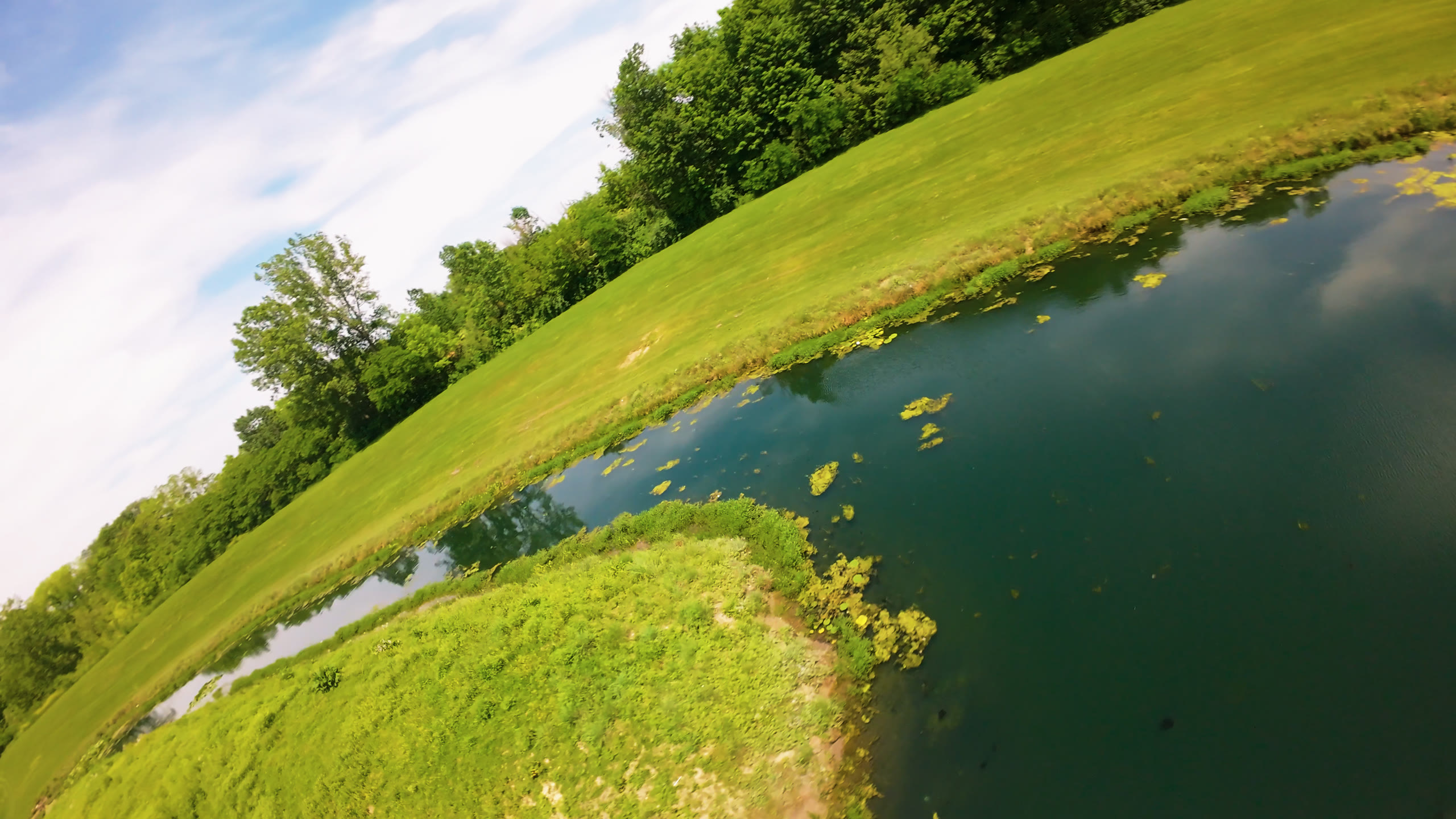
And a pond with a grassy bank. The greens and the teal water pick up the most.
How To Use It
Convert your footage to Rec.2100 HLG or Rec.709 first. The look works with any camera.
Put it on an adjustment layer above your clips and match the version to your sequence.
Pull the opacity back if it's too much.
Get the free Velvia 50 LUT
More of our video and drone work lives at daring-drones.com. If you try the LUT, tell me what looks off, especially on skin tones.